
How to Cast a Baitcast Reel Without Backlash
May 13, 2026

A facebook reel downloader lets you save public Facebook Reels for offline viewing when you want quick access later. In most cases, the process is straightforward: copy the Reel link, open a trusted web-based downloader, and save the video if the post is public and available. If you are researching how to save social videos safely, the most important habits are choosing reputable tools, ignoring suspicious prompts, and saving only videos you own or have permission to keep.
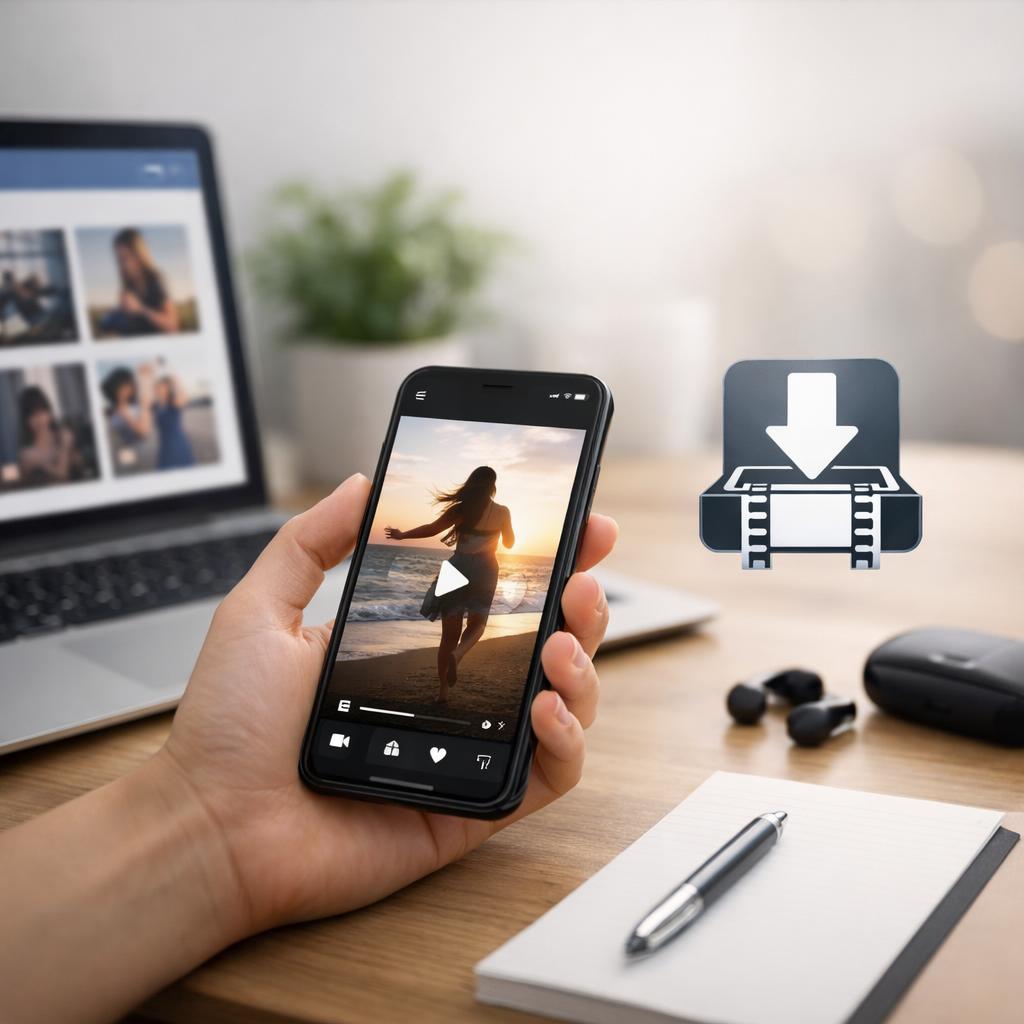
This guide covers how to download Facebook Reels on mobile and desktop in a simple, beginner-friendly way. It also explains safety, copyright, and common troubleshooting steps, since some tools do not work with private, deleted, age-restricted, or otherwise limited Reels. Whether you want a facebook reel downloader online or prefer to save Facebook Reels without app installs, the tips below will help you do it with fewer problems.
A Facebook Reel downloader takes a Reel link and tries to create a downloadable video file from content that is publicly accessible. People often use one to watch a Reel later without internet access, keep a backup of their own video, or save a clip they have permission to reference. For most beginners, browser-based tools are the easiest option because they usually work on both desktop and mobile without requiring installation.
These tools should be used carefully and only for allowed purposes. Download content you created yourself or content the creator has clearly allowed you to save. Copyright still matters, even when a video is easy to view online. It is also worth knowing that performance varies from one service to another. Some tools cannot process private posts, deleted Reels, or content limited by region, age, or account settings. If your goal is to download Facebook Reels on iPhone and Android, a simple browser method is usually the most convenient and asks for fewer device permissions.
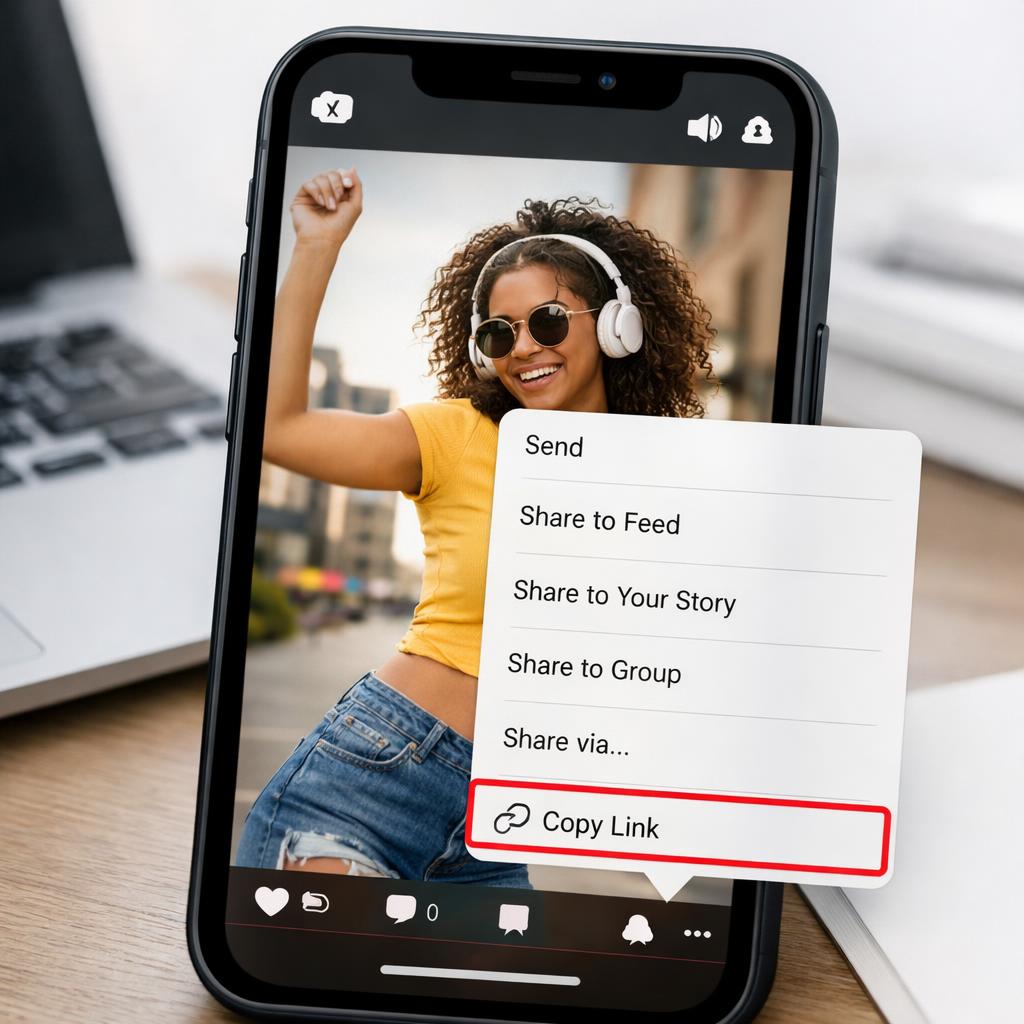
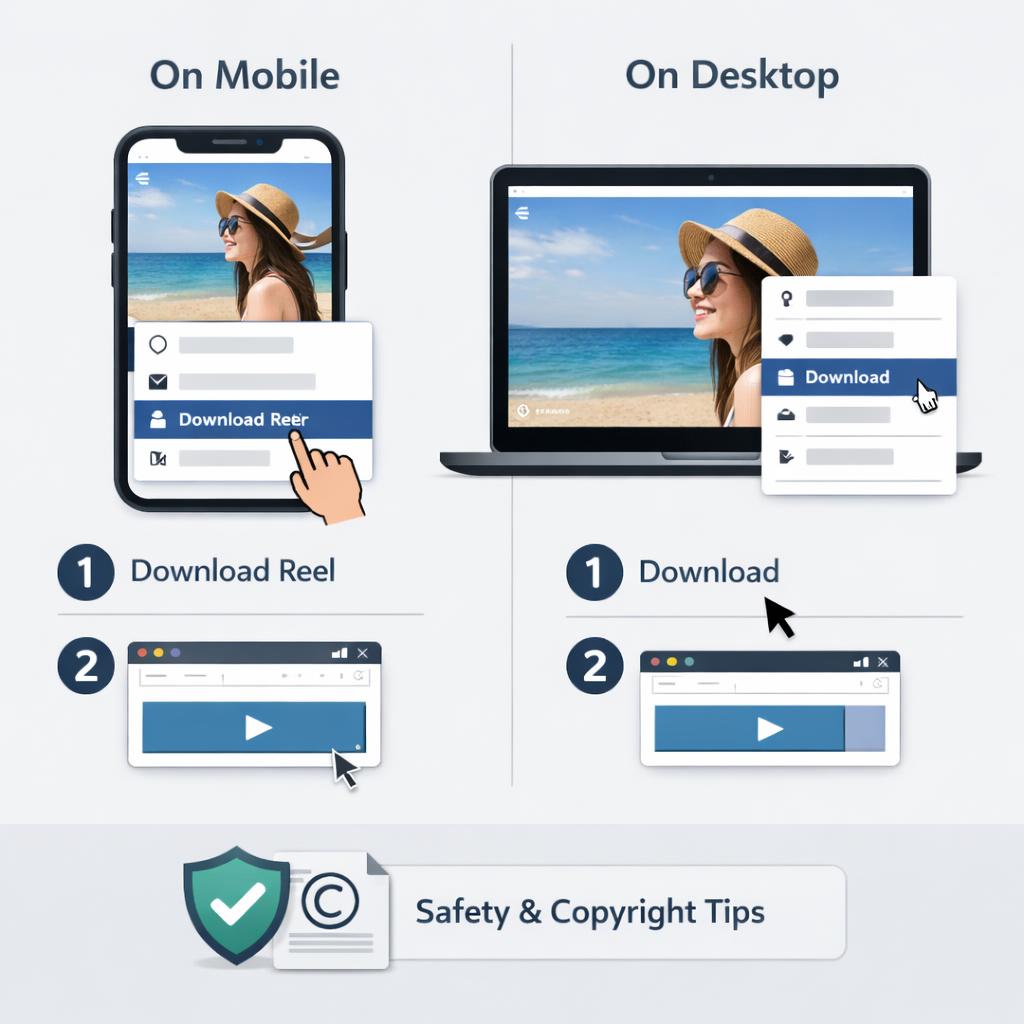
On mobile, open Facebook, find the Reel, tap the share menu, and choose the option to copy the link. On desktop, open the Reel in your browser and copy the full URL from the address bar or use the share option if Facebook shows it. Then paste that link into a trusted downloader page. If the Reel is public and supported, the site should show one or more download options. Choose the quality or format you want, then save the file to your device. This is the most common way to use a facebook reel downloader online.
If you want to save Facebook Reels without app installs, a browser-based method is usually enough on phones, tablets, and computers. Keep in mind that some mobile browsers open a preview before the actual download starts, and some devices save the file to a downloads folder instead of your photo library. If the Reel is your own content, check whether Facebook offers a built-in save or download option first, since native tools are often more reliable than third-party sites.
The most common problem is a link that does not work. Start by confirming that you copied the full Reel URL and that the post is public. If the Reel was deleted, changed to private, or restricted by region or account settings, most downloaders will fail. Sometimes the issue is local to your browser, not the Reel itself. Refresh the page, clear cached data if needed, try another browser, or copy the link again directly from Facebook. On a phone, switching between Wi-Fi and mobile data can also help if the page stalls.
Safety is just as important as convenience. Avoid any page that asks for your Facebook password, requests unnecessary permissions, or pushes unrelated software downloads. Stick with reputable sites, and close pop-ups that look misleading or overly aggressive. Most importantly, save only videos you own or have clear permission to keep, and do not repost someone else’s Reel as your own content. If you want a broader explanation of legal limits, see our copyright and creator permission guide. It is a useful next step for anyone using a facebook reel downloader regularly.
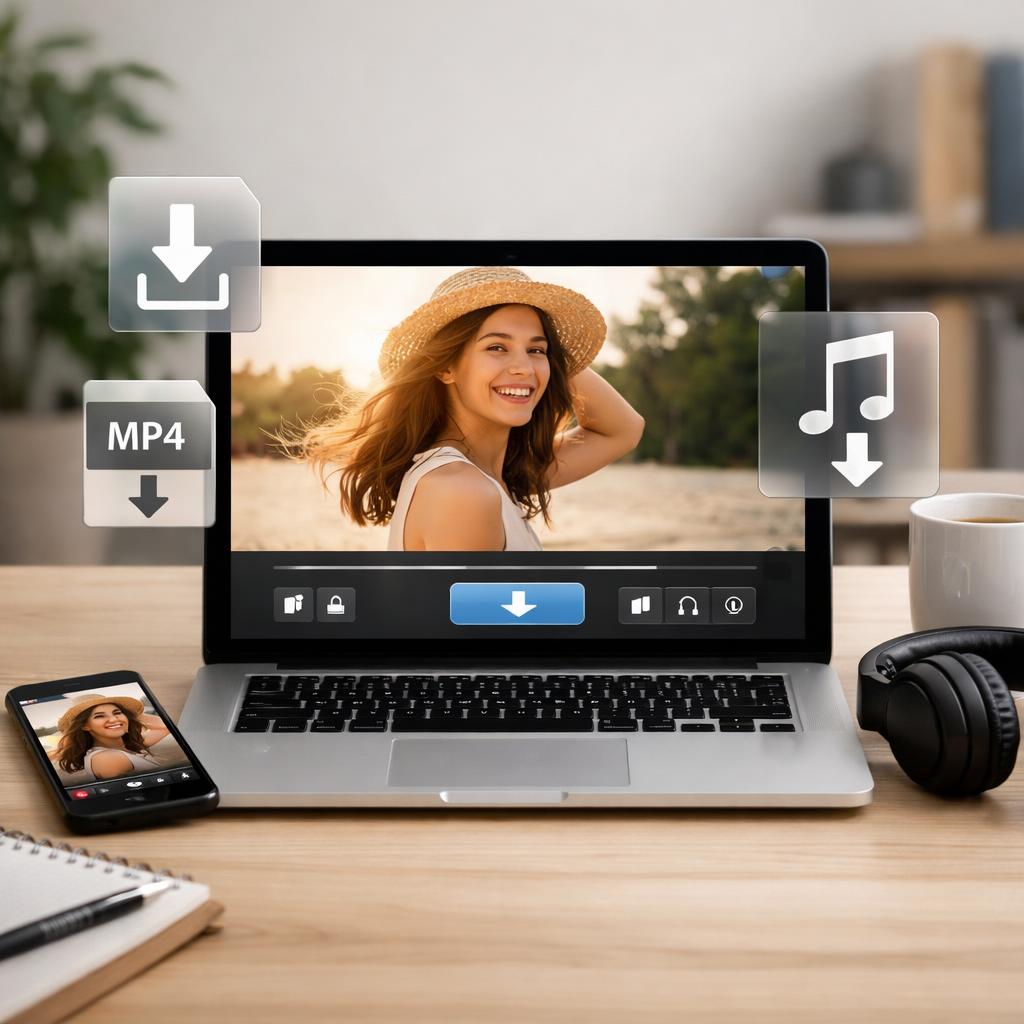
A facebook reel downloader can be a quick way to keep public Reels for offline viewing, especially if you want something that works on both mobile and desktop. In most cases, the process is simple: copy the Reel link, paste it into a trusted browser-based tool, and save the file if the content is available. For many users, that is the easiest answer to how to download Facebook Reels without adding another app.
The safest approach is also the simplest. Use reputable tools, avoid suspicious prompts, and save only content you own or have permission to keep. If a download does not work, check whether the Reel is still live, fully public, and accessible in your region or account. With those basics in mind, you can use a facebook reel downloader more confidently and avoid many of the common issues that frustrate first-time users.
Yes. In many cases, you can copy the Reel link and use a web-based downloader in your browser instead of installing anything. This is often the easiest option for people who want to save Facebook Reels without app installs on desktop or mobile. Results still depend on whether the Reel is public and whether the downloader supports that specific link.
The Reel may be private, deleted, restricted, or copied with an incomplete link. Browser issues can also interfere, including cached data, blocked scripts, or temporary connection problems. Try copying the link again, testing another browser, or checking whether the Reel opens normally for the public before switching to a different downloader.
This author has not provided a bio yet.
May 13, 2026

May 13, 2026
May 12, 2026