

How to Cast a Baitcast Reel Without Backlash
May 13, 2026

A youtube video download can mean a few different things depending on the device you use, the app you are in, and whether YouTube offers an official offline option for that video. For many people, the goal is simple: watch later without using extra data or relying on a stable connection. If that sounds familiar, it helps to begin with safe, platform-friendly methods and review these offline viewing tips before trying any tool.
This guide explains how youtube video download options work, when they are actually useful, and which legal and security limits you should keep in mind. It also covers safe offline viewing in practical terms, including official app features, common third-party risks, and the basics of quality, storage, and device compatibility. Since offline features can vary by app version, device, region, and subscription, what appears for one user may not be available for another.
In plain terms, youtube video download means saving a video so you can watch it later without streaming it again. That might happen through an official in-app offline feature, or in some cases by storing a video file on a device when you have permission to do so. Common use cases include flights, train commutes, weak cell coverage, limited mobile data, and situations where you need smoother playback during a class, meeting, or presentation.
Whether it makes sense depends on both convenience and permissions. Many readers ask, is youtube video download legal, but there is no one-size-fits-all answer. The rules can depend on who owns the content, what YouTube allows for that video, and how the video is being saved. A good practical standard is this: do not assume that personal use automatically means unrestricted use. If the app provides an offline button, that is usually the clearest and lowest-risk option. If it does not, be careful about copying, storing, sharing, or reusing content in ways that may conflict with copyright law, creator rights, or platform terms.
It is also worth separating “offline viewing” from “keeping a permanent file.” Many official options are meant only for viewing within the app for a limited period, not for exporting a video to your phone, laptop, or external drive. That difference matters because it affects convenience, storage, and what you are actually allowed to do with the video afterward.
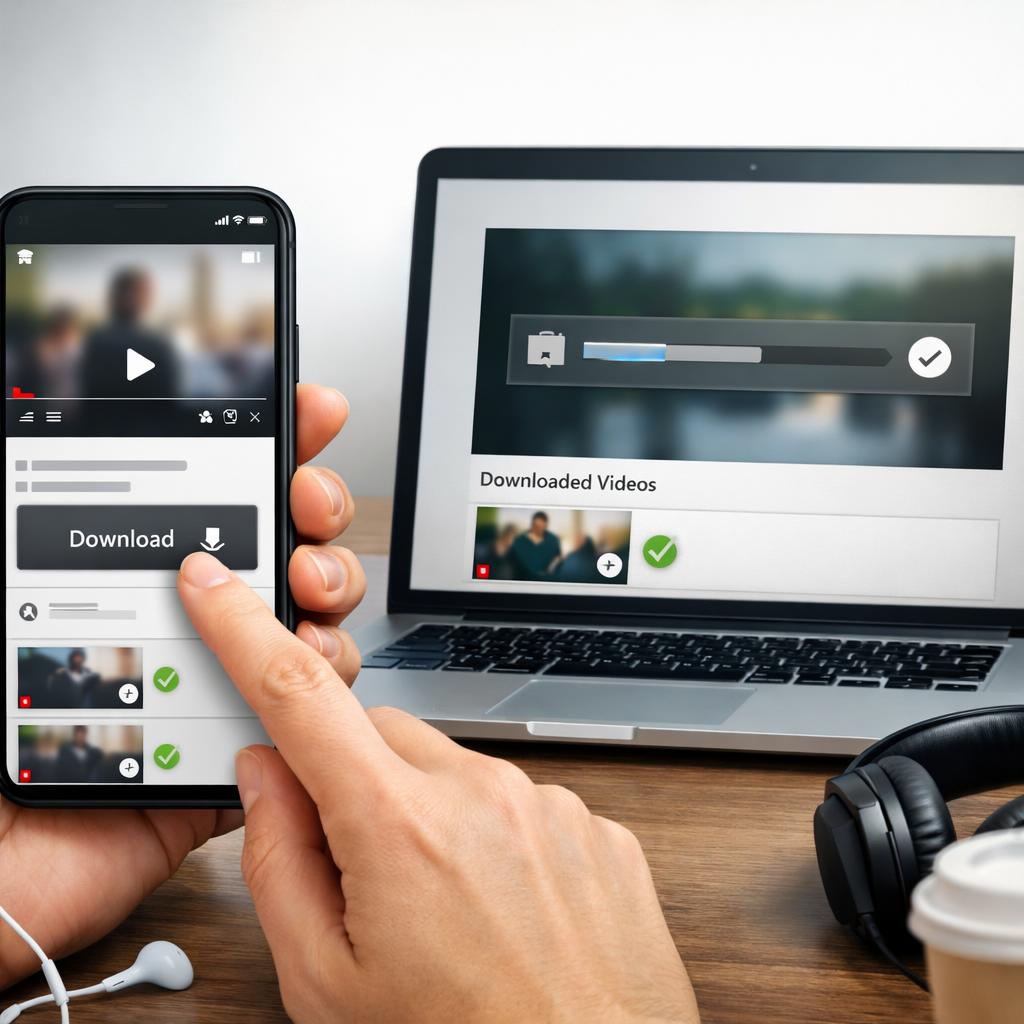
The safest answer to youtube video download for offline viewing is usually the official route inside the YouTube app or another service that clearly offers a built-in download feature. These options are designed for viewing within the app, which lowers security risks and makes it less likely that you will run into problems with platform rules. Depending on your account, downloads may be temporary, tied to your login, or limited by region, plan, or device.
Official features are also easier for most people to manage. You usually pick a quality setting, save the video if the option appears, and let the app handle playback and storage. That means no file conversion, fewer compatibility issues, and less chance of installing something harmful. For many users, these are the best youtube video download options because they are simple, reliable, and built for everyday offline viewing rather than long-term file storage.
Another advantage is predictability. Videos saved through official channels are more likely to keep their audio synced, preserve captions where supported, and play back smoothly on the same device. If your main goal is watching content later on your phone or tablet, the built-in option is usually the least frustrating path.
Third-party download sites often create the biggest problems. Some are full of look-alike buttons, pop-ups, fake security alerts, autoplay redirects, or permission requests that have nothing to do with video playback. Others may give you poor-quality files, missing audio, odd file names, or formats that do not work well across phones, tablets, and TVs. If a site pushes extra extensions, software installs, or suspicious browser prompts, that is a strong sign to leave immediately.
There is also a trust issue. With unofficial tools, you often do not know where the file came from, whether it has been modified, or what data the site collects while you use it. If you are searching for how to download YouTube videos safely, a useful baseline is to avoid any service with a weak reputation, vague policies, or no clear explanation of how it handles privacy and files. Safety is not just about avoiding malware. It is also about avoiding methods that encourage bypassing restrictions or ignoring creator rights.
Even when a third-party tool seems to work, it may create long-term headaches. Files can be mislabeled, hard to organize, or too large for the space available on your device. In many cases, the “easy” option becomes the one that takes more time to fix later.
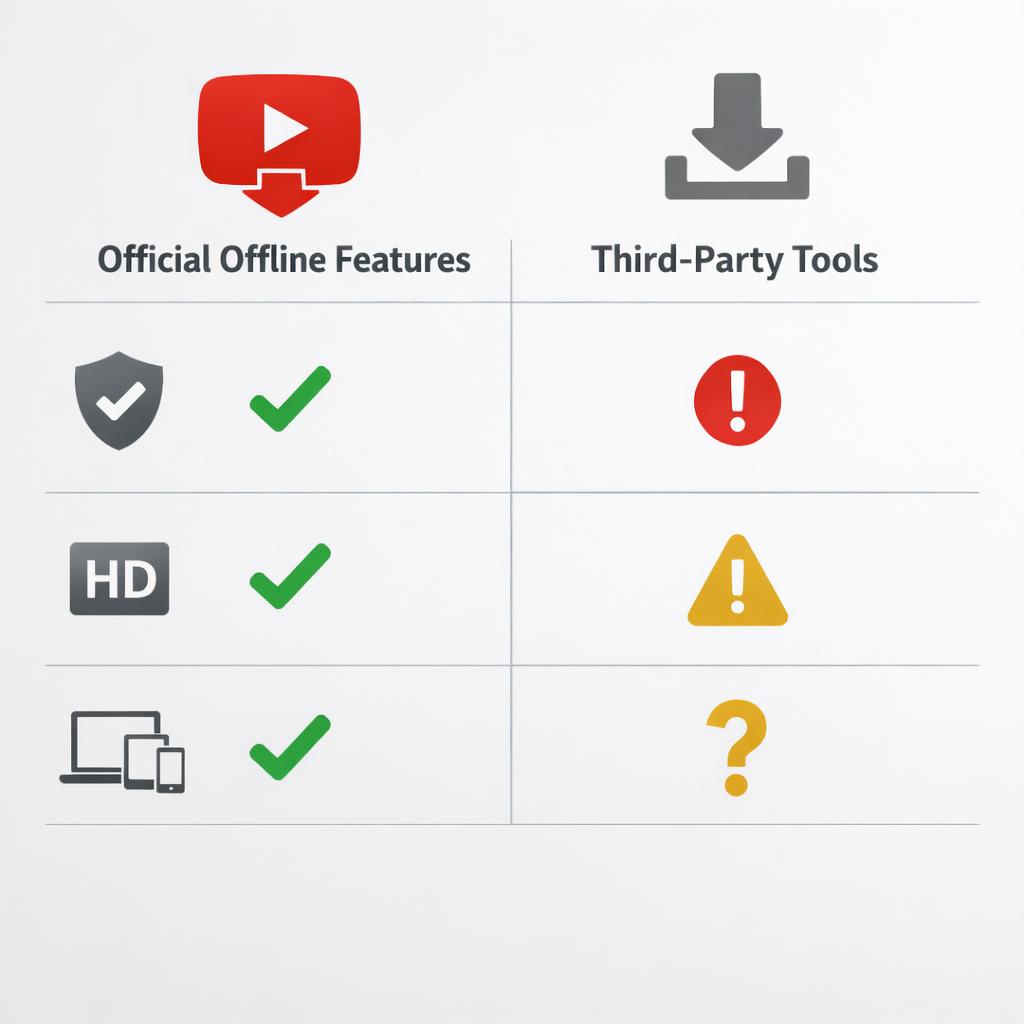
To choose the right method, start with your actual use case. If you only need a video on your phone for a flight or road trip, an in-app download is usually the easiest answer. If you are dealing with a file you are allowed to store, then file type, quality, and available storage matter more. Higher resolution can look much better on larger screens, but it also uses more space. Some devices are also pickier than others about codecs and containers, so a quick look at video file formats can help explain why one video plays smoothly while another stutters or fails to open.
Storage matters just as much as picture quality. A short clip in standard quality may fit almost anywhere, while a longer video in higher resolution can fill up a phone surprisingly fast. It is smart to think about battery life, subtitles, offline playback support, and whether you need access on mobile, desktop, or both. The best option is usually the one with the least friction: a safe source, acceptable quality, and dependable playback. For most readers, that means trying official features first and only dealing with separate files when you clearly have both the right and the technical reason to do so.
If you are comparing options, ask a few practical questions: Will you watch the video once or many times? Do you need it on one device or several? Is clear audio more important than top resolution? Those answers usually make the decision easier than chasing the highest quality by default.
A youtube video download can be genuinely useful when you are traveling, managing limited data, or preparing for times when your connection may be unreliable. In most cases, though, the safest and most practical choice is to use official offline features whenever they are available. That approach is usually simpler, more secure, and less likely to create issues with quality, storage, or platform rules.
If you are deciding what to do, keep the checklist simple: confirm whether offline viewing is offered, make sure your use is allowed, and choose a method that protects both your device and your privacy. That will help you sort through youtube video download options without drifting toward risky tools or unclear legal territory. For most everyday viewers, the app-based route is the best place to start.
Not always. Personal use does not automatically make downloading legal or permitted. The answer depends on the creator’s rights, YouTube’s terms, and the method used to save the video. If an official offline feature is available in your app, that is generally the clearest option. Outside of that, it is best to be cautious and avoid assuming that permission exists when it has not been clearly granted.
The safest method is to use YouTube’s official offline viewing feature when it is available for your device, region, and account. That reduces exposure to misleading download buttons, malware, and playback issues. It also keeps the video inside the intended app environment, which is usually the most reliable setup for normal offline viewing.
This author has not provided a bio yet.
May 13, 2026

May 13, 2026

May 12, 2026